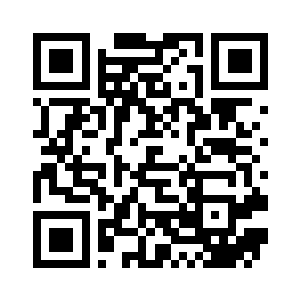
HTTPS menu URL
41 UTF-8 bytes · M correction
Build an inspectable static QR code for a menu URL, Wi-Fi network, contact, calendar event, email, phone number, or text. Special characters are escaped where the payload format requires it; you still need to test the finished code with the devices and environment that will use it.
Four-module quiet zone included. Contrast ratio: 21.0:1.
Enter complete content to generate a QR code
A generated image is not proof it will scan in every environment. Test the final exported asset on multiple target phones before printing or publishing it.
Five synthetic black-on-white payloads were generated with qrcode 1.5.4 at 200, 300, 400, and 500 pixels, then independently decoded with jsQR 1.4.0. Every decoded string matched its source payload byte-for-byte.
Boundary: this verifies this controlled software pipeline, not a camera or physical print. It does not establish compatibility with every reader, phone, surface, distance, lighting condition, color pair, or payload handler.
41 UTF-8 bytes · M correction
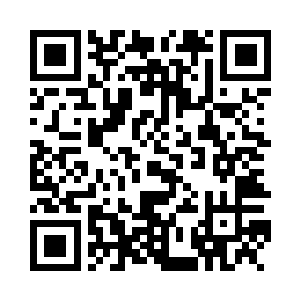
60 UTF-8 bytes · M correction
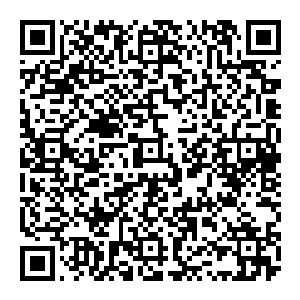
164 UTF-8 bytes · M correction
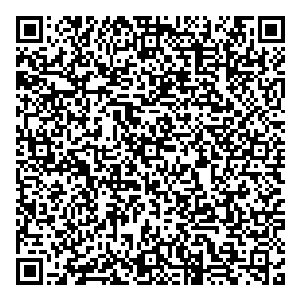
329 UTF-8 bytes · M correction
55 UTF-8 bytes · M correction
Inspect the raw results and SHA-256 hashes or rerun the benchmark with npm run benchmark:qr.
Choose the real action you need. Use a complete HTTPS URL for a menu. For Wi-Fi, vCard, and events, fill the structured fields and inspect the exact encoded payload.
Prefer dark modules on a light background, retain the four-module quiet zone, and remember that more data creates a denser symbol. Higher error correction also reduces available capacity.
Download PNG or SVG, place it at its actual size, print a physical sample when applicable, and scan it with several target phones before a full print run.
| Type | Encoded form | Expected reader action |
|---|---|---|
| URL / menu | https://example.com/menu | Opens a complete HTTP(S) destination |
| Plain text | Any UTF-8 text | Displays or copies text, depending on the reader |
| Wi-Fi | WIFI:T:WPA;S:...;P:...;; | Offers network details on compatible readers |
| mailto:user@example.com | Opens a message addressed to the recipient | |
| Phone | tel:+12125551212 | Opens a dialer with the number filled in |
| vCard 4.0 | BEGIN:VCARD ... END:VCARD | Offers a contact on compatible readers |
| iCalendar event | BEGIN:VCALENDAR ... VEVENT | Offers an event on compatible readers |
The Wi-Fi string follows the interoperable syntax catalogued by ZXing, including escaping for backslash, semicolon, comma, quote, and colon. Contacts use RFC 6350 vCard 4.0; events use RFC 5545 iCalendar.
DENSO WAVE’s QR reference explains that higher error-correction levels add restoration capability but increase symbol data. The percentages describe codeword restoration, not a promise that the same percentage of any visible area can be covered.
Extract editable text from images locally
Re-encode images with adjustable quality
Convert JPG to PNG format
HELP ANOTHER PERSON SKIP THE UPLOAD